Hercules Administration
Resetting Local Cache
When working with a database, to speed up data retrieval and reduce network traffic from the server, Hercules stores frequently used data in the local cache.
We recommend you reset the local cache if
a database fails to update completely
you experience problems with a database
To reset the local cache, go through Connection > Reset local cache. Hercules then deletes the existing local cache and downloads the latest version of the database from the server.
Troubleshooting With Log Viewer
The Log Viewer allows you to view, analyze, and monitor events recorded in Hercules’ event logs. It is often used to diagnose issues.
Note
Hercules uses local timestamps in the event logs.
To access the Log Viewer, open the Log tab at the bottom of Hercules window.
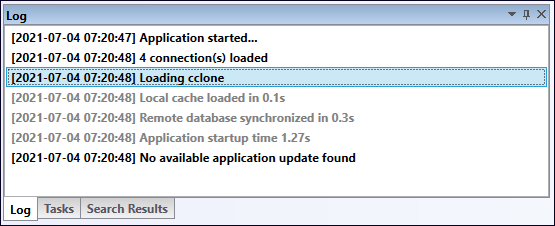
You can right-click anywhere in the log window to copy or clear event records.
Some event records are links. When you click those links, you are directed to the relevant documents.
Important
Hercules is always listening for changes other users make to the database to which you are connected. When the database gets updated, you see those changes in the logs.
Tasks
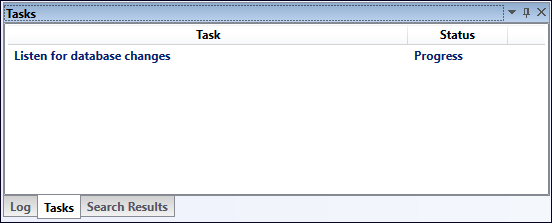
The Tasks Viewer displays active processes that are running in Hercules.
To access the Task Viewer, open the Task tab at the bottom of the program window.